🍪 This website uses cookies

    We use cookies to operate our website, analyze traffic, and support marketing activities where permitted by law.
    Learn more in our Cookie Policy.

    Create, deliver, and track employee training in one place.

    Create, deliver, and track employee training in one place.

    Turn your concept into a ready-to-launch training program in just minutes

    Course
    Presentation
    Quiz
    Video Lesson
    One-Pager
    Try for Free

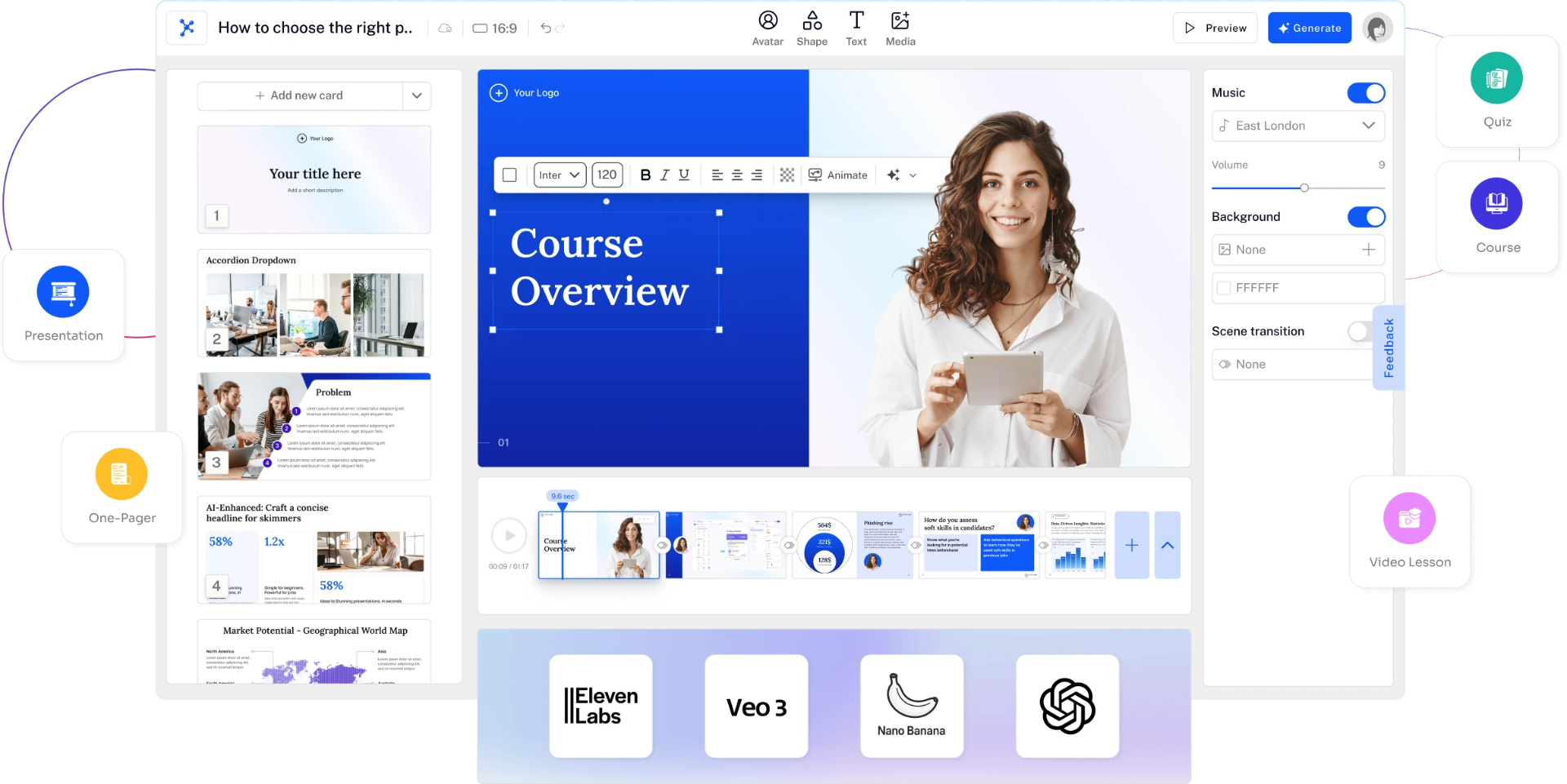
    All-in-One AI Studio for Learning Content

    Generate videos, voices, images, text, and avatars with the world's top AI models

    All-in-One AI Studio Interface

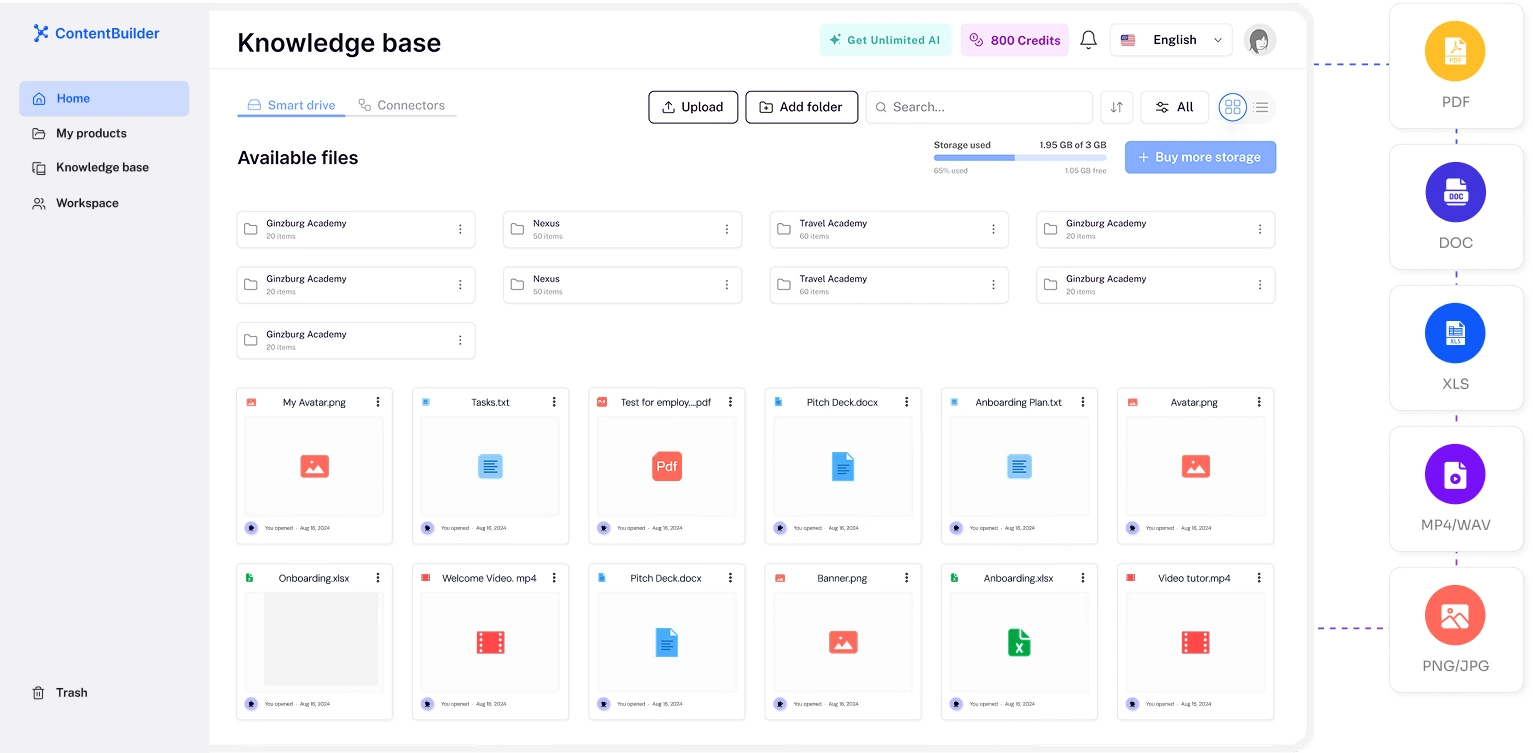
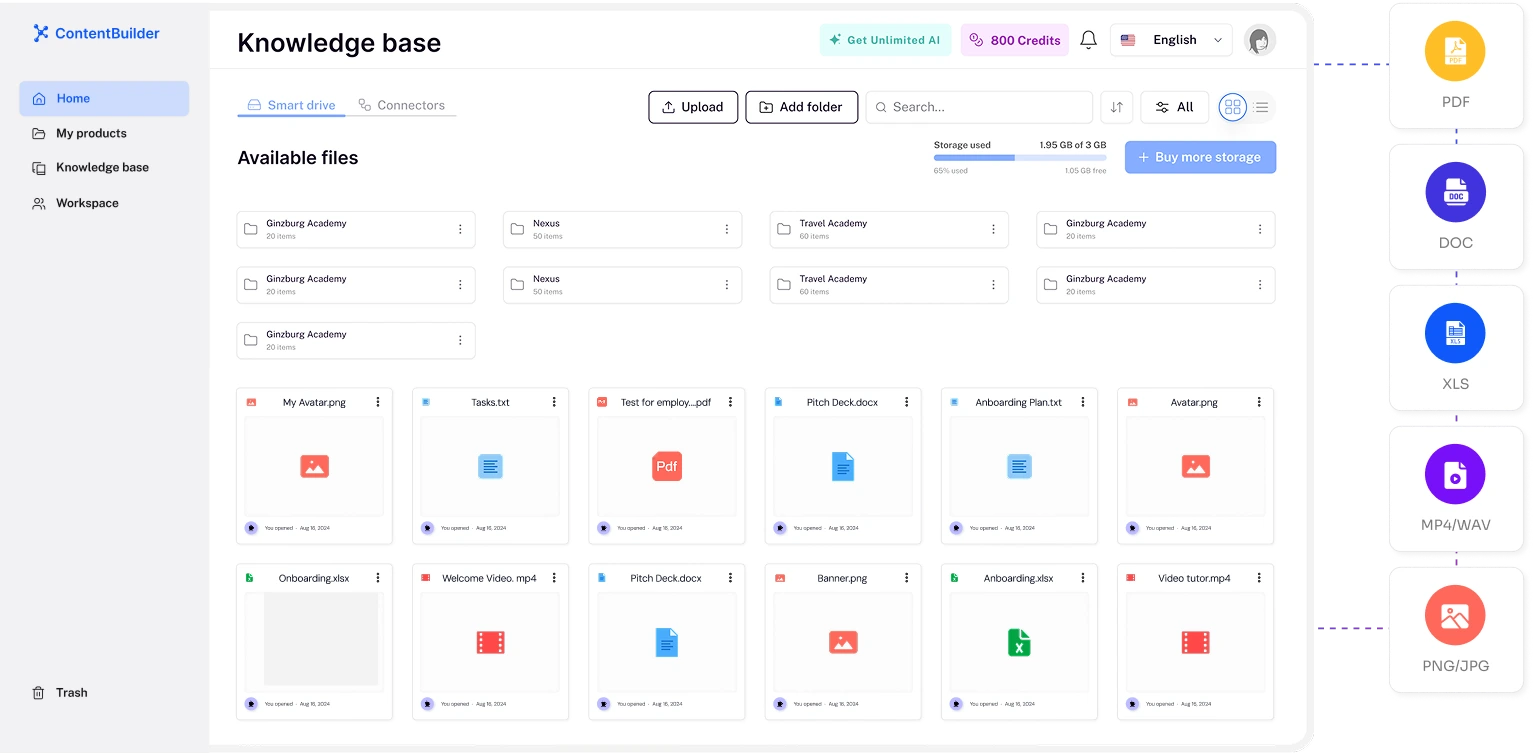
    AI-powered SmartDrive turns any files into ready-to-use courses

    Store everything in one place

    SmartDrive Interface

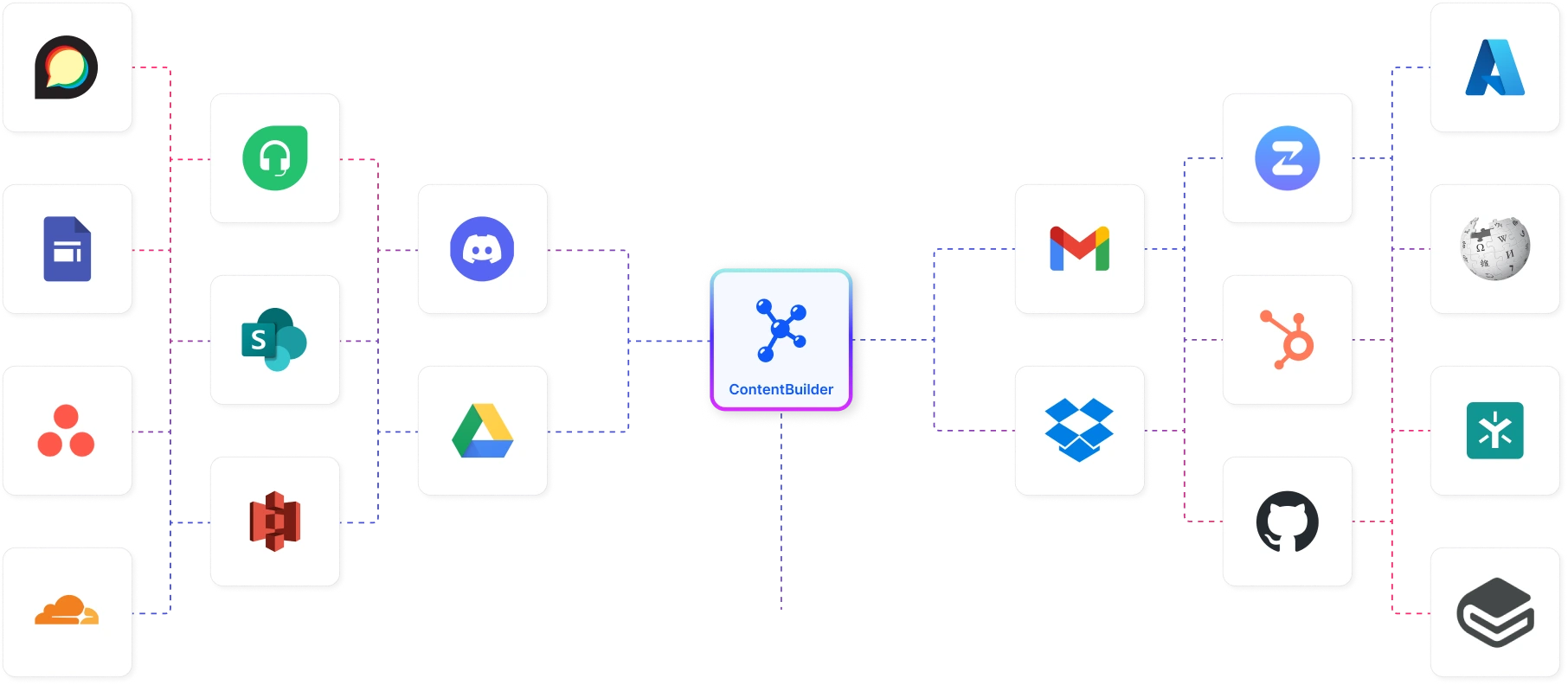
    Connect your ecosystem
    and let AI learn from your data

    Turn knowledge from 42+ tools into auto-generated training

    Connect Tools

    Use online resources to build smarter courses

    Import from URL

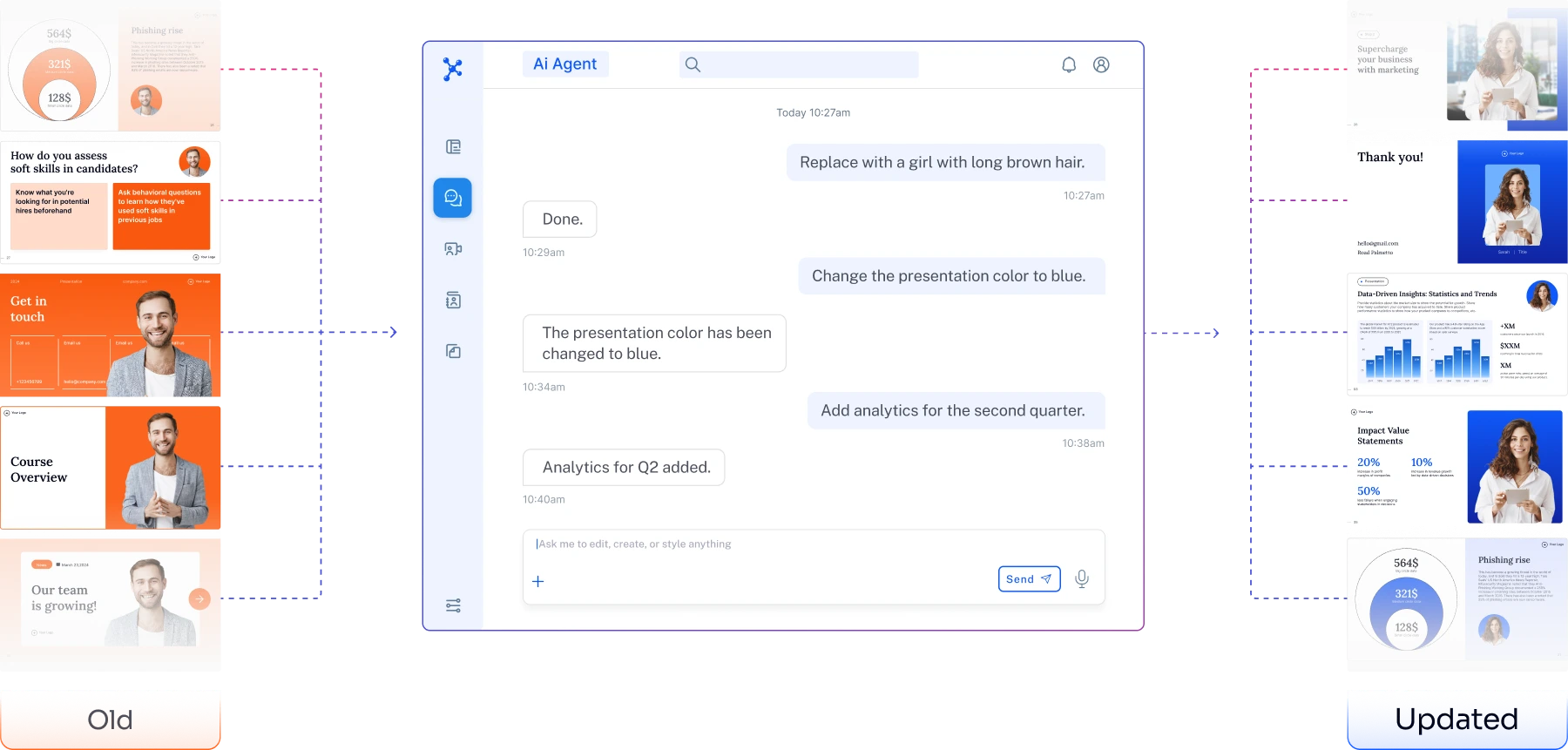
    Keep your content always up to date
    Knowledge changes — update in minutes

    AI helps you rebuild outdated courses, lessons, or presentations instantly.

    Keep Content Updated

    A variety of AI avatars
    that speak your scripts
    in 100+ languages

    Create videos in minutes with our AI avatars — natural speech, clear articulation, diverse looks, and different presentation styles.

    Choose from a library of avatars, from professional instructors to friendly conversational guides.

    Prompt-to-video.
    No filming. No editing.

    Describe your task in one sentence — AI will generate a complete video with voiceover, effects, and an avatar.

    Perfect for training, customer support, and marketing.

    Share your knowledge — anywhere

    Export video for sharing

    Export video for sharing

    Download content for distribution

    Download content for distribution

    Deliver training or export it

    Deliver training or export it

    Publish in ContentBuilder

    Publish in ContentBuilder

    Trusted by global brands

    3,000+

    courses delivered

    170+

    universities launched

    Built for every team. For any workflow

    Turn processes into playbooks to train colleagues, assist customers, and drive software adoption

    HR

    HR

    Faster onboarding, lower turnover

    L&D

    L&D

    Launch courses + ROI analytics

    Recruiting

    Recruiting

    Better pre-boarding & retention

    SMB Entrepreneurs

    SMB Entrepreneurs

    Train teams, scale faster

    Digital Creators

    Digital Creators

    Turn knowledge into revenue

    See the workflow

    Step 1

    Choose your materials

    "Start with company documents, links, and recordings."

    Example workflow

    Example workflow

    Not a customer result

    Step 2

    Create editable lessons

    "Generate a draft, then edit the course to fit your procedures."

    Example workflow

    Example workflow

    Not a customer result

    Step 3

    Approve the content

    "A person reviews the work before publishing to learners."

    Example workflow

    Example workflow

    Not a customer result

    Step 4

    Follow learner completion

    "Invite learners and see their progress through published courses."

    Example workflow

    Example workflow

    Not a customer result

    Step 1

    Choose your materials

    "Start with company documents, links, and recordings."

    Example workflow

    Example workflow

    Not a customer result

    Step 2

    Create editable lessons

    "Generate a draft, then edit the course to fit your procedures."

    Example workflow

    Example workflow

    Not a customer result

    Step 3

    Approve the content

    "A person reviews the work before publishing to learners."

    Example workflow

    Example workflow

    Not a customer result

    Step 4

    Follow learner completion

    "Invite learners and see their progress through published courses."

    Example workflow

    Example workflow

    Not a customer result

    Step 1

    Choose your materials

    "Start with company documents, links, and recordings."

    Example workflow

    Example workflow

    Not a customer result

    Step 2

    Create editable lessons

    "Generate a draft, then edit the course to fit your procedures."

    Example workflow

    Example workflow

    Not a customer result

    Step 3

    Approve the content

    "A person reviews the work before publishing to learners."

    Example workflow

    Example workflow

    Not a customer result

    Step 4

    Follow learner completion

    "Invite learners and see their progress through published courses."

    Example workflow

    Example workflow

    Not a customer result

    +75%

    faster creation

    35h

    saved per user monthly

    93%

    retention

    98%

    fewer mistakes

    How it works

    From your knowledge to proof of training

    Add your sources. Create a draft. Review and publish. Track learner progress. Your team, your own AI agent, and Elvina all work from the same approved knowledge.

    1. KnowledgeStep 1
    2. ToolsStep 2
    3. Sign-offStep 3
    4. DeliveryStep 4
    5. ProofStep 5

    AI employees work through the same layers, with scoped access and a log of every call. Coming

    Collect sources, create an editable draft, review it, publish training, and track learner progress. Today, a person reviews the work and controls publication.

    The platform
    One platform, ten connected layers

    Approved knowledge

    Approved knowledge — product interface illustration
    • Document uploads
    • Web links
    • Recording transcripts
    • Source owners and versionsComing
    • Connected drivesComing
    • Semantic searchComing

    Training tools

    Training tools — product interface illustration
    • Editable courses and presentations
    • Video lessons with AI presenters and voices
    • Quiz generation
    • Translation and branding
    • One-page job aidsComing
    • Custom avatars and cloned voicesComing

    Sign-off gates

    • Review and edit before publishing
    • Required approval before publishingComing
    • Approval historyComing

    Delivery

    • Course library
    • Learner invitations

      Email delivery depends on workspace mail setup.

    • Mobile learner player
    • Group managementComing
    • Assignments by role and locationComing
    • Programs with deadlinesComing
    • Automatic remindersComing

    Proof

    • Learner progress and completion
    • SCORM 2004 and MP4 export
    • PDF export for supported content types
    • CertificatesComing

      Pending end-to-end verification.

    • Stored quiz scoresComing
    • Report exportComing
    • xAPI statementsComing
    • xAPI packagesComing

    Freshness

    • Flag lessons when a source changesComing
    • Request another review after source changesComing

    Agent access

    • Supported MCP actionsLive

      Setup and permissions are required. A platform user completes publishing to the course library.

    • Scoped service accountsComing
    • A log of every agent callComing
    • Publish approved versions through MCPComing

    Workspaces & roles

    • A separate workspace for each clientComing
    • Workspace roles and permissionsComing
    • Agent-to-human handoffComing

    Plans & usage

    • AI generation credits
    • Plans and billing

      See pricing for allowances and billing periods.

    • Shared Elvina and ContentBuilder accessComing

    Enterprise & trust

    • SSO/SAMLComing
    • SCIMComing
    • Audit logComing
    • Retention and deletion controlsComing
    • DPAComing
    • Sub-processor documentationComing
    • SOC 2 Type II reportComing

    Why ContentBuilder

    Why it can't be replaced by code

    You can build a training generator in a week. You can't generate what makes it work:

    Approved knowledge

    Approved knowledge — product interface illustration
    • Your sources, with owners and versionsComing

    Sign-off history

    Sign-off history — product interface illustration
    • Who approved what, and whenComing

    Proof of training

    • Every learner’s progress
    • CertificatesComing

    Permissions and logs

    • What each AI agent may do, and what it didComing

    Workspaces and integrations

    • Your teams, locations, and tools, connectedComing

    Frequently Asked Questions

    No. Just upload your files or ideas — AI does the rest.
    Yes, we offer a free trial so you can explore all features before committing.
    You can share courses via direct links, export to LMS platforms, or upload to global marketplaces.
    Yes, our AI Studio lets you create videos with AI avatars and clone your own voice for a personalized touch.
    Absolutely! ContentBuilder supports 120+ languages for creating and translating content.
    Yes, our enterprise plan is designed for large organizations with advanced features and dedicated support.
    Yes, we use industry-standard encryption and security measures to protect your data at all times.

    Start creating
    with AI today

    Try for Free