Approved knowledge
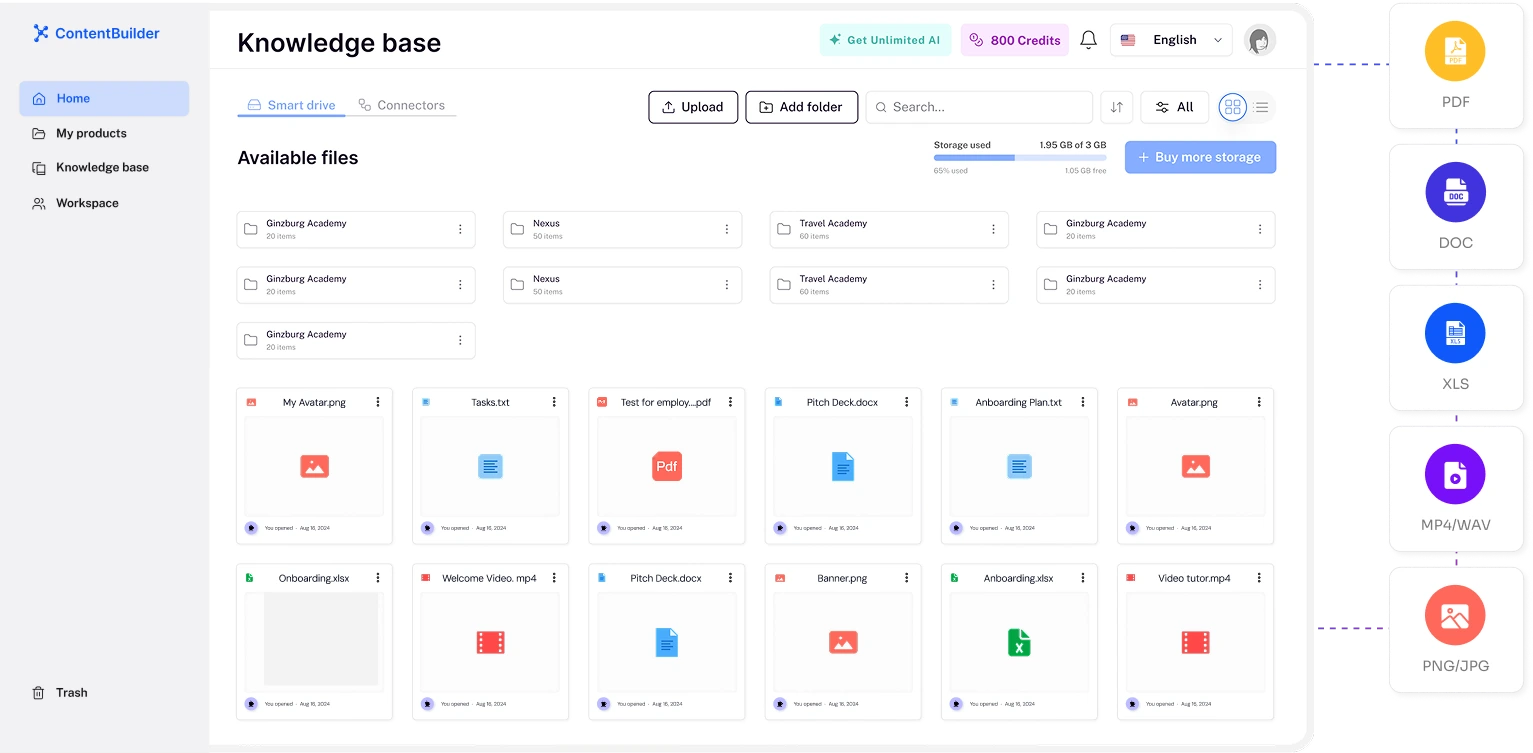
- Document uploads
- Web links
- Recording transcripts
- Source owners and versionsComing
- Connected drivesComing
- Semantic searchComing
We use cookies to operate our website, analyze traffic, and support marketing activities where permitted by law.
Learn more in our Cookie Policy.

Integrations
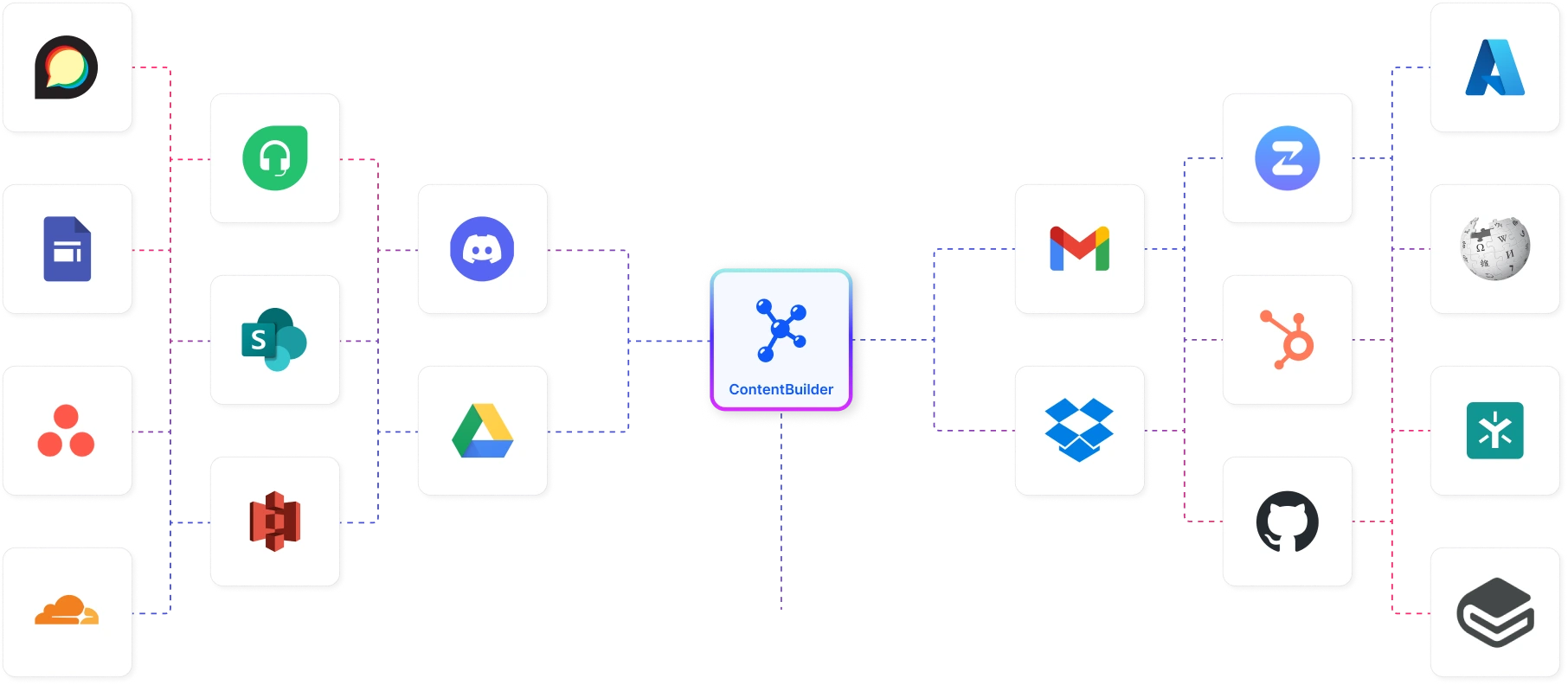
Build from company sources. Review the draft. Deliver the training. Keep people in control as your agent workflow grows.
Export SCORM 2004 packages, MP4 videos, or PDFs where supported. Check your LMS requirements before importing. Exporting a file does not connect or synchronize an external learning system.
Setup and permissions are required. A platform user completes publishing to the course library.
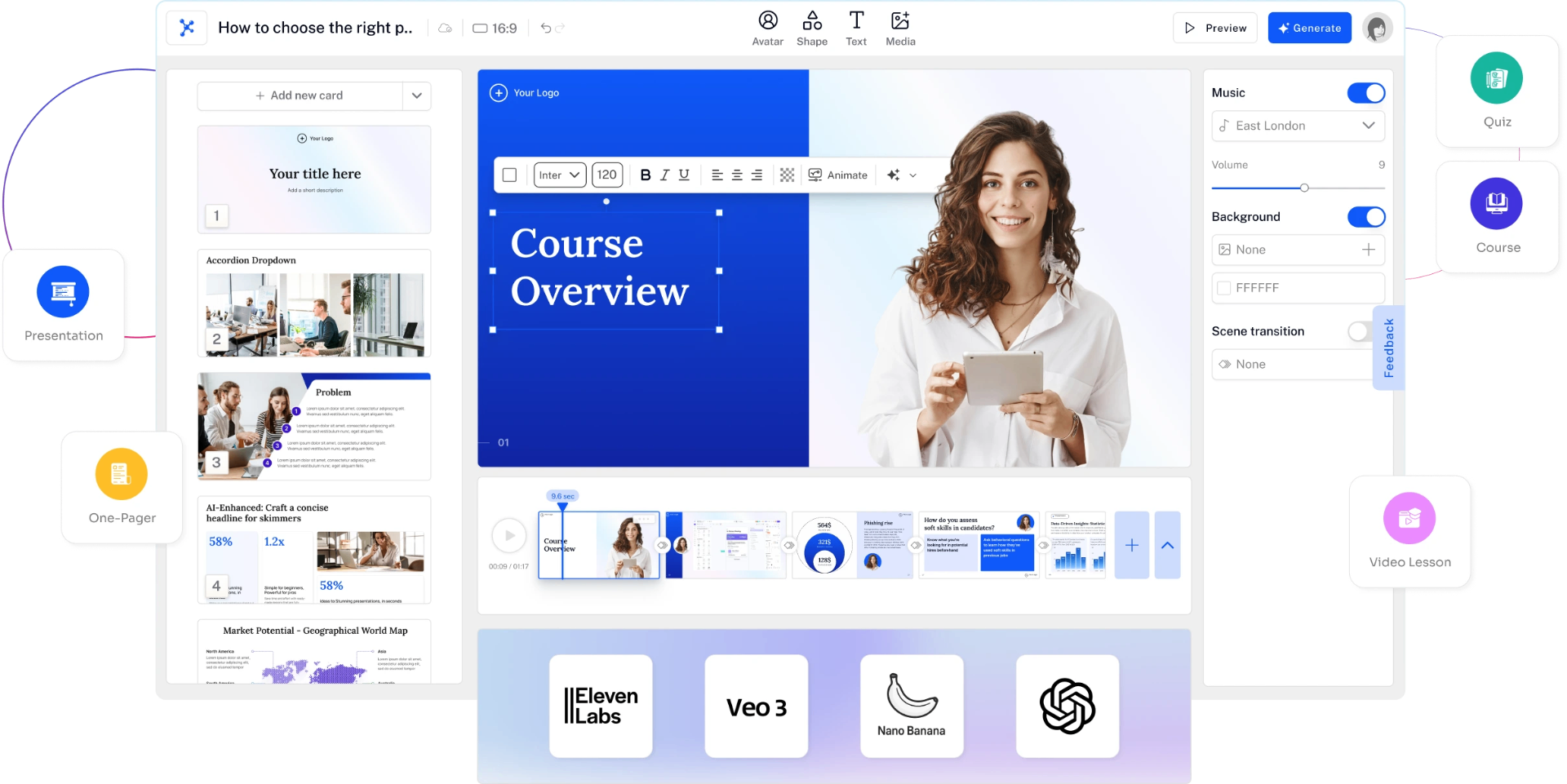
Custom connectors and integration delivery Coming. Define the systems, data, and permissions your workflow needs before agreeing on a scope.
Example workflow
Company procedures
Editable lesson and quiz
Human review
Published course and invitations
Learner progress
FAQ
Yes. Publish courses to ContentBuilder’s learning platform, invite learners, and track progress. You can also export SCORM 2004 packages for a compatible LMS.
Managers can track learner progress and course completion. Quiz answers and scores are not stored in the learning platform. Stored scores and report export are Coming.
Review and edit each draft before you publish it for learners. Required approval gates and approval history are Coming.
Review access, data handling, and security requirements with our team before rollout. SSO/SAML, SCIM, audit logs, and a SOC 2 Type II report are Coming.
Start with your materials, create an editable draft, and review it before publishing.
Start from scratchOpen a blank workspace and build your own course step by step